Print subscription includes a free wall-size coloured map.Special offer: Subscribe Now (Print) and Get Free Wall Size Coloured Map!Subscribe Now
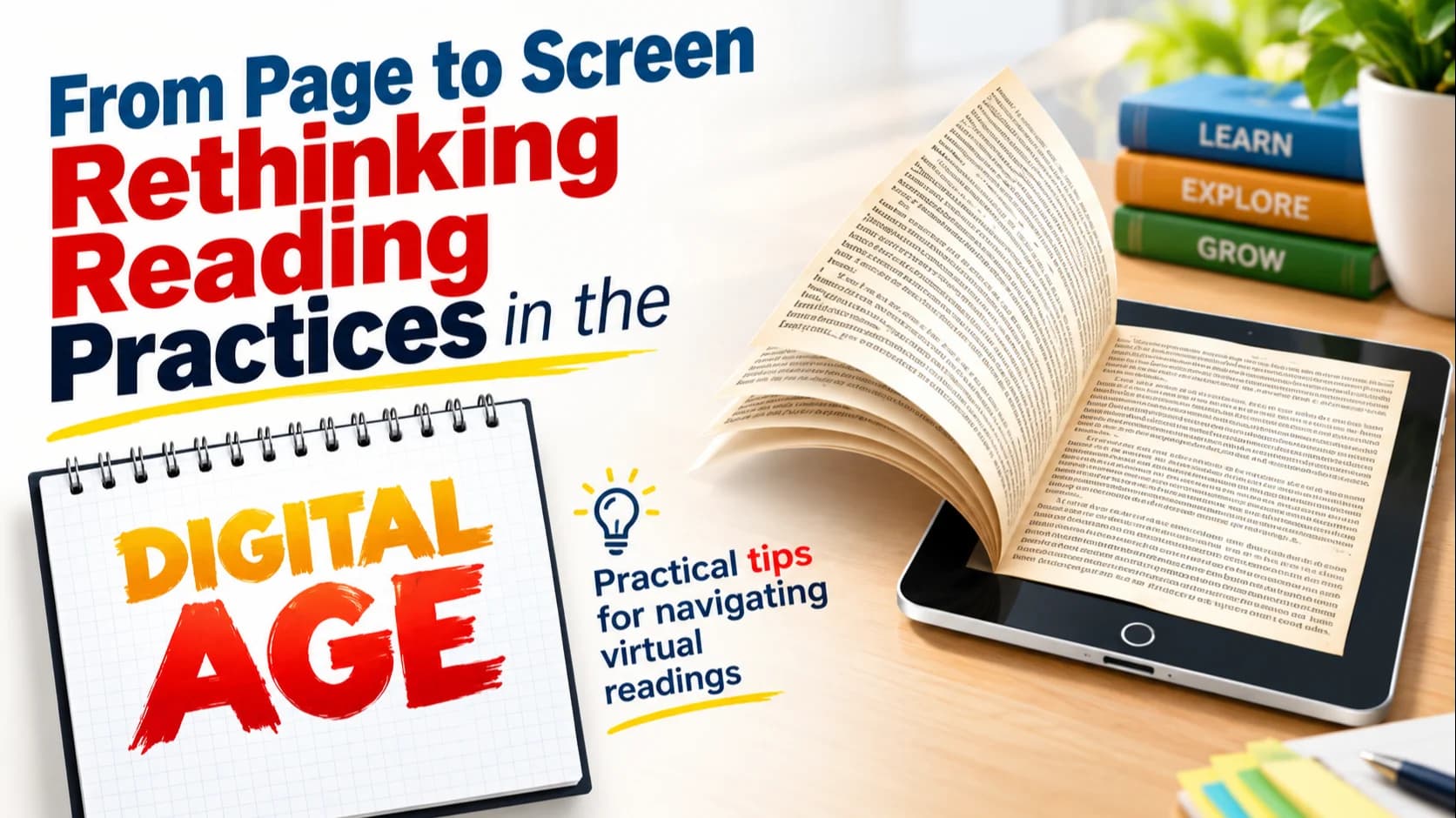
Summary. Practical tips for navigating virtual readings
Nowadays, there is a growing trend of reading digital material rather than relying on traditional printed books. However, many of us, who are accustomed to reading hard copies, often feel uncomfortable when engaging with virtual content, which sometimes leads us to print digital documents for easier reading. While this may offer convenience, the practice carries several disadvantages.
To begin with, there are economic drawbacks, as printing hard copies is generally more expensive than accessing soft copies. In addition, the process of printing consumes valuable time—time that could otherwise be used for productive work or study. Most importantly, excessive printing has negative environmental consequences. Paper production requires significant amounts of wood, contributing to deforestation. By reducing our dependence on printed materials and opting for digital formats, we can help conserve natural resources, minimize waste and support environmentally sustainable practices.
Additionally, for competitive examinations such as the CSS exam, a large number of books are recommended for each compulsory as well as optional subject, many of which are either too expensive in hard-copy form or are not easily available in local markets. In such cases, it is far more practical to rely on soft copies and make notes directly from digital readings. Adopting this approach not only ensures easier access to study material but also encourages the use of modern technology. Therefore, it is advisable to embrace digital resources and limit the use of paper to essential handwritten notes only. This balanced method supports both effective learning and environmentally responsible behaviour.
Here are some practical, student-friendly tips to make the transition from paper reading to screen reading much smoother and more comfortable:
1. Start Gradually
Don't force yourself to switch overnight. Start with short articles or a few pages on a screen each day and gradually increase the duration. Just like building physical endurance, your screen-reading stamina will grow over time, helping your attention span and improving comfort naturally.
2. Use the Right Device
Reading on a proper device makes a huge difference:
Tablets allow highlighting, annotation and multiple reading apps.
Laptops are fine for studying PDFs but you need to adjust the brightness to avoid glare.
Please ensure that your device is appropriate for screen reading. Avoid reading on screen when you are travelling.
3. Adjust Display Settings for Comfort
Customize your reading environment:
Maintain medium brightness (neither too bright nor too dim).
Increase font size and line spacing to reduce eye fatigue.
4. Learn to Use Digital Reading Tools
Digital tools can make screen reading as interactive as paper reading:
Highlight text with a color.
Add digital sticky notes.
Use the search function to quickly find important concepts.
Bookmark important pages.
These features often make reading faster and more organized than using hard copies.
5. Organize Your Digital Library
Create folders for subjects, exams or topics.
When your material is easy to access, reading becomes much more pleasant.
Digital reading becomes easier when your files are well-organized. Good file management includes:
Naming files clearly (Pakistan Affairs Chapter 1- Ideology of Pakistan)
Creating sub-folders within subjects.
Keeping separate folders for notes, readings and past papers.
Organized files save time and reduce stress during exam preparation.
6. Practice Active Reading
Just like you underline or annotate on paper:
Take handwritten notes in a notebook while reading digitally.
Summarize key points in your own words.
This bridges the gap between paper and screen.
7. Take Regular Breaks
Follow the 20-20-20 rule: Look away every 20 minutes at something 20 feet away for 20 seconds. It helps prevent eye strain and makes digital reading sustainable.
8. Use Text-to-Speech When Needed
Many apps allow the text to be read out loud. This reduces screen fatigue and reinforces understanding.
9. Invest in Good Posture & Lighting
Sit comfortably with:
Back support
Screen at eye level
Indirect lighting behind your screen
Proper posture makes long reading sessions easier.
10. Keep Papers Just for Making Handwritten Notes
It is always a good idea to make your handwritten notes from screen readings because you always submit handwritten papers, not the typed ones, to the FPSC. This keeps you connected to handwritten learning while still relying mainly on digital reading.
11. Save Your Notes / Have a Backup Plan
Always plan for backups! Store your digital notes in multiple safe locations, such as a dedicated email folder, cloud storage or an external hard drive. This ensures that if your device is damaged, gets infected with a virus or encounters any other issue, your notes remain safe and accessible.
Digital files are convenient, but they can be lost easily if a device crashes, gets corrupted or is attacked by malware. Having a backup plan means:
Saving notes in more than one place (email, cloud services like Google Drive or OneDrive, USB, external hard drive).
Regularly updating your backups so the latest version is always safe.
Using secure platforms to avoid accidental loss.
This habit protects your work and gives peace of mind, especially during important academic tasks.
12. Reduce Digital Distractions
One of the biggest challenges of screen reading is the constant presence of notifications, pop-ups and social media alerts. These interruptions break concentration and reduce comprehension. To improve focus:
· Turn on “Do Not Disturb” mode while reading.
· Disable unnecessary app notifications.
Keep only the required tabs or windows open. Creating a distraction-free digital environment makes screen reading far more productive and enjoyable.
Final Advice
Make sure that when you start revising, you rely on your handwritten notes instead of going back to the digital readings. Your notes should be clear and complete enough that you don't need to consult any other material during exams.
This basically means: don't waste revision time jumping between PDFs again. Build your notes so solid that they become your one-stop source when exams roll around. It saves time, reduces stress and helps you stay focused.
Conclusion
In a rapidly evolving digital world, where education, communication and work are increasingly shifting online, adapting our reading practices is both necessary and beneficial. While transitioning from paper to screen may feel challenging at first, adopting the right strategies—such as managing distractions, using digital tools effectively and maintaining healthy reading habits—can significantly improve comfort and efficiency. With patience, practice and conscious effort, digital reading not only becomes easier but can also offer richer learning opportunities than traditional methods. By embracing these practices, you can study more effectively, reduce environmental impact and stay aligned with the demands of modern academic and professional life.
The writer is a civil servant, belonging to the Police Service of Pakistan (PSP). He is currently pursuing Master of Criminology at the University of Melbourne. He can be reached at: asimjasraa@gmail.com
Topics